From Aesthetic to Algorithm: Building the LORF Design System as an Agent Skill
 Michael Hofweller•Feb 14, 2026•7 min read•Published
A design system has always been a translation problem — aesthetic vision into rules that others can follow. But when your collaborator is an AI agent, the system isn't documentation anymore. It's an executable instruction set. The agent doesn't "get the vibe" from a Figma file. It needs explicit constraints, anti-patterns, and decision trees.
This is how we built one — from a stock ticker aesthetic to a Claude Code skill that generates consistent UI across an entire site.
#Starting Point: The Stock Ticker
Every design system starts with a reference. Ours was the stock ticker — those monospace, monochromatic readouts — dense information in clean rows of text. Minimal decoration. A typewriter aesthetic that feels both vintage and technical.
We wanted a site that felt like a research facility's internal documentation system — something between a Bloomberg terminal and a Victorian science journal. The constraints emerged naturally from the reference:
- One typeface: IBM Plex Mono, weights 400 and 700 only
- Monochromatic palette: cream, ink, charcoal, muted — no decorative color
- Dashed borders as the signature visual element
- No gradients, no shadows, no blur effects
- Content-first: typography and spacing do the work, not ornamentation
These are human-readable constraints. But we needed something more precise.
#What Makes a Design System "Agent-Readable"
A human designer can look at a Figma comp and infer intent. They see a card with a dashed border and think "right, all cards use dashed borders." An agent can't infer — it needs to be told explicitly, including what not to do.
The critical difference between a design system for humans and one for agents comes down to three things:
Anti-patterns are as important as patterns. Human designers learn what's off-brand through exposure and feedback. Agents need it spelled out. Our skill file opens with a "never do this" list: no gradients, no sans-serif fonts, no solid borders where dashed are specified, no font weight 900 (it doesn't exist for our typeface), no dark: utility prefixes. Every anti-pattern we caught in practice got added to the list.
Technical constraints must be explicit. Our system runs on Tailwind v4 with Next.js 16. There are framework-specific gotchas that an agent will hit repeatedly unless warned: MDX plugins must be strings not imports, the typography plugin uses @plugin not @import, @theme inline breaks dark mode. These aren't design decisions — they're implementation traps.
Decision trees replace taste. When a human designer chooses between text-charcoal and text-muted, they're making a judgment call based on visual weight and hierarchy. The skill file makes this explicit: primary text is text-ink, secondary is text-charcoal, tertiary is text-muted. No judgment required. The agent follows the map.
#The Skill File as Executable Design System
Claude Code skills are markdown files with YAML frontmatter that get loaded into context when triggered. The skill for our design system — the StockTaper Design System — is structured as a progressive disclosure document:
Critical constraints and anti-patterns up top — what the agent needs even for a one-line CSS change. Token system and component patterns in the middle. Example interactions at the bottom — "user says X, do Y" — for pattern-matching common requests.
---
name: stocktaper-design-system
description: Implements the StockTaper / Loosely Organized Research Facility
  design system for building UI components, pages, and layouts...
metadata:
  version: 1.1.0
  category: design-system
  tags: [tailwind-v4, next-js-16, mdx, monospace, design-tokens, dark-mode]
---
The description field is doing real work here. It's the trigger — Claude reads it and decides whether to load the skill based on what the user is asking. Getting this right means the skill activates when someone says "add a card component" but doesn't activate when they say "write a unit test."
The skill lives at the user level (~/.claude/skills/), which means it's available across projects. The design system travels with the developer, not the repo.
#Teaching an Agent to See: The Image Problem
A design system for UI components is one thing. The agent is generating code — it can follow token names and class patterns deterministically. But what about visual assets — illustrations, icons, brand imagery? Image generation is fundamentally non-deterministic. You can't write a CSS class that produces a consistent illustration. You need a different kind of specification.
We started with a concept: pen-and-ink engravings in the style of 19th-century scientific catalogs. Woodcut crosshatch. Dense parallel hatching. The aesthetic matched the site.
The first prompt described a cluttered engineering workbench — laptop, mechanical keyboard, Raspberry Pi, tangled cables, coffee mug. It was a good image, but it was a scene, not a system. Every new image would need a new scene described from scratch.
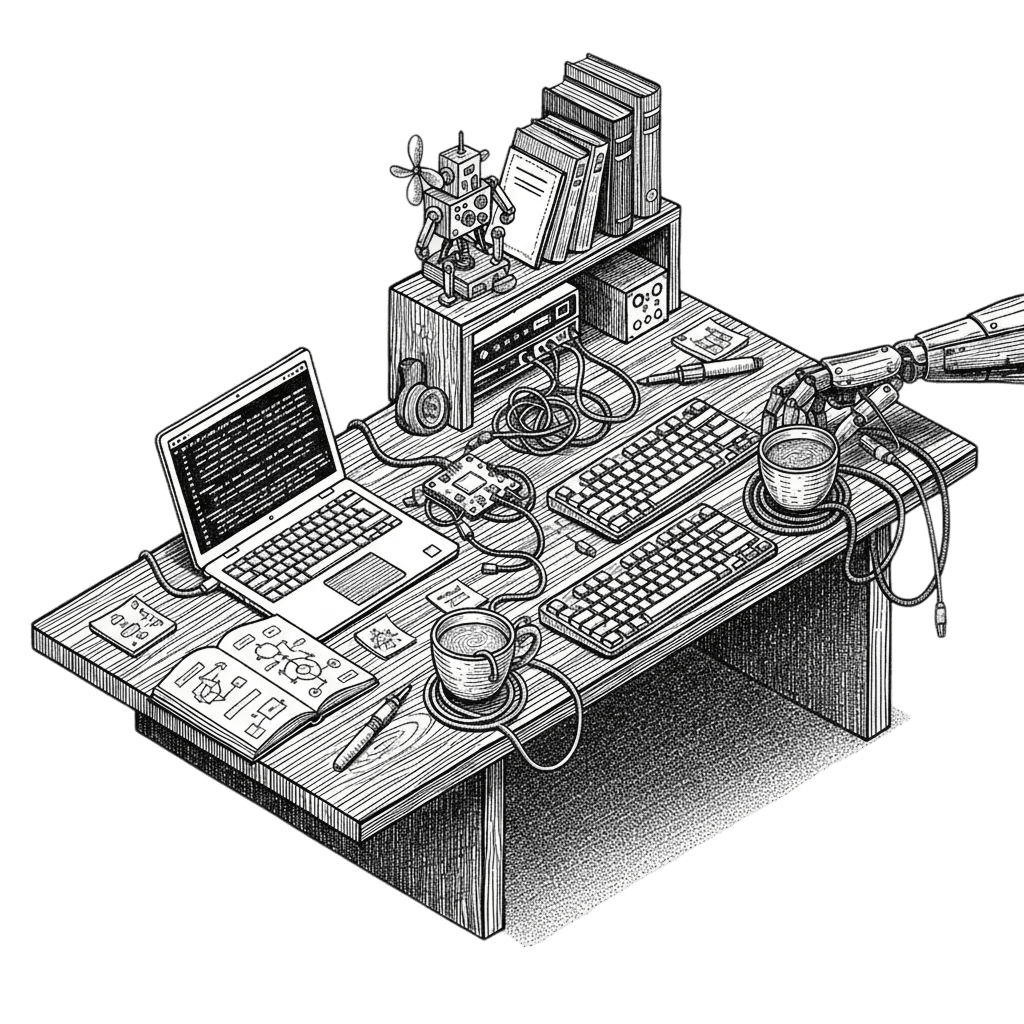 The original workbench prompt — a good illustration, but a one-off scene, not a reusable system
#The Iteration Loop
Getting from "describe a scene" to "a usable brand asset with a consistent character" was a tight feedback loop — each failure tightened the spec.
We started by iterating on scene concepts — a cabinet of curiosities, a cartographer's studio, a clockmaker's bench, a Frankenstein's laboratory. Each was visually interesting but one-off. The breakthrough came when one scene called for automatons — small mismatched robots bustling around a lab. The robots were the thing. Not the lab. Not the workbenches. The characters.
Attempt 1: A full lab scene — walls, floor, ceiling, shelving, workbenches. Dense, detailed, contained in a square. Good energy, wrong format. The image was a self-contained illustration, not a flexible brand asset.
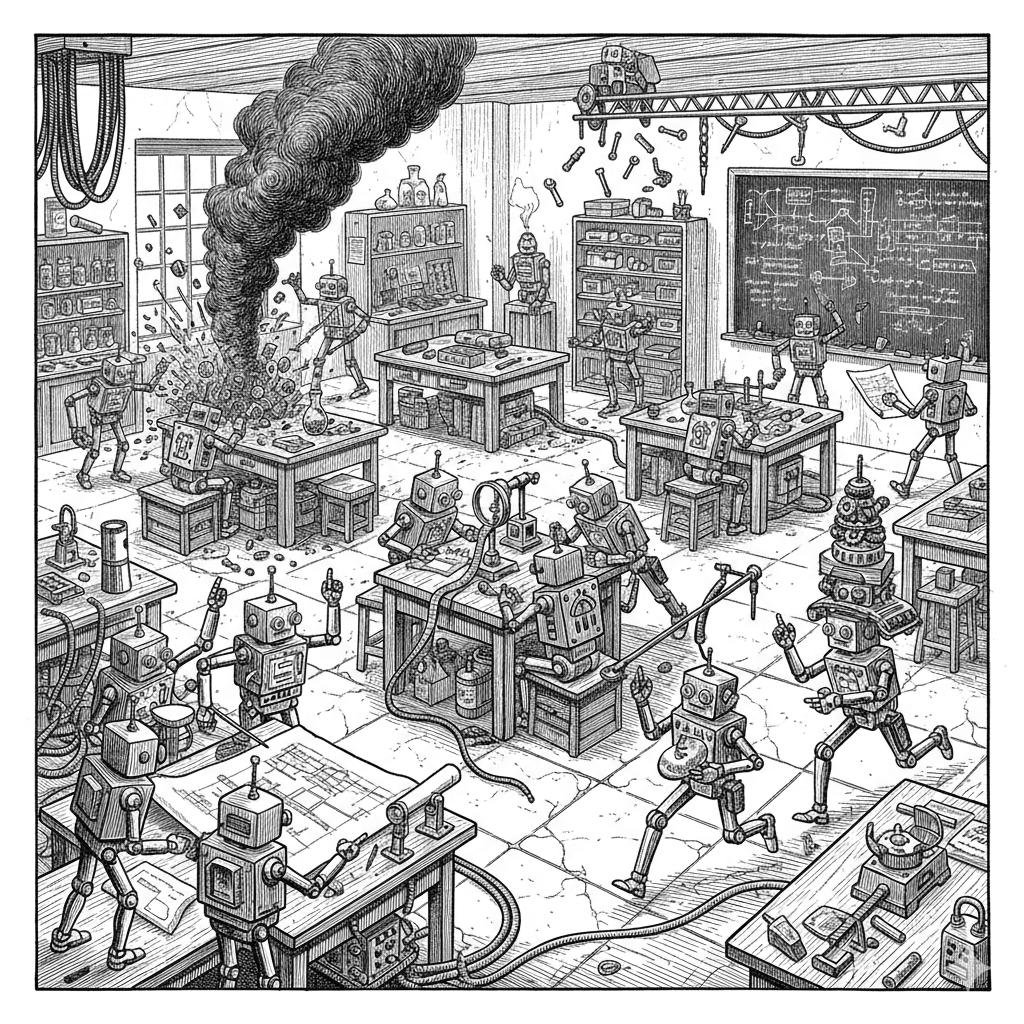 The first robot lab scene — dense, contained, full of energy but locked in a square
Attempt 2: Same scene, remove the walls and floor. Let the robots float on a transparent background. Result: still packed to the edges. The generator dropped the walls but kept the density.
Attempt 3: Explicit spacing instructions — "no more than 30% of the total image area contains drawn elements." Described each cluster with isolation language: "a gap of empty space surrounds them." This worked. The robots became discrete groups that could breathe.
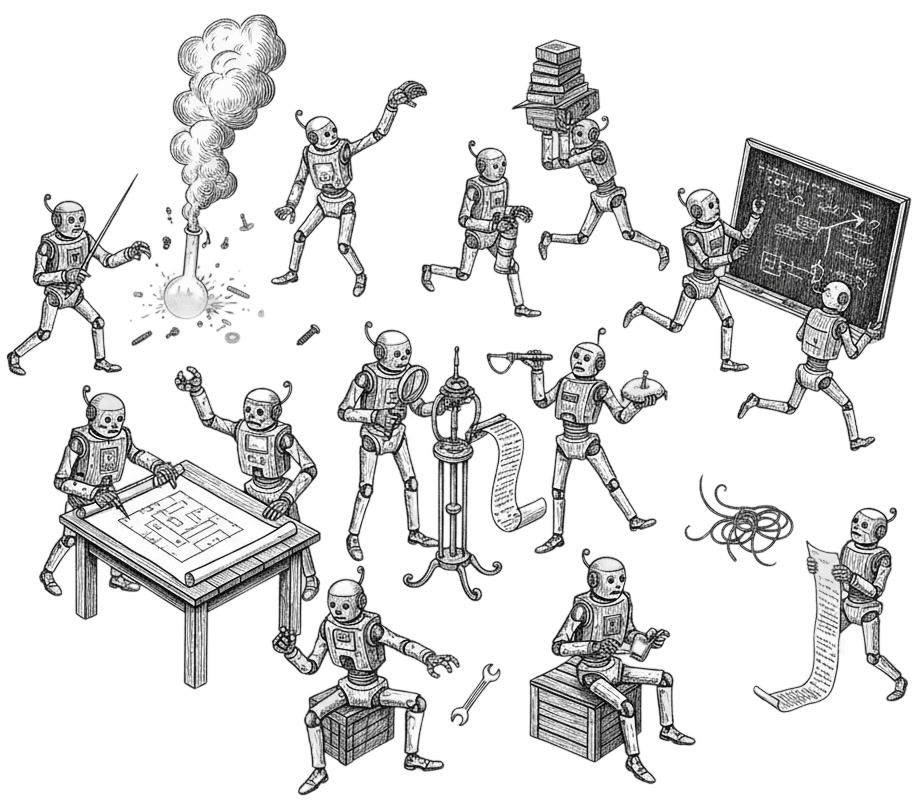 Attempt 3 — removing containment, adding spacing rules, transparent background
Attempt 4: Style consistency. The transparent-background version generated different-looking robots than the original contained scene. Solution: add a full character spec to the prompt. Lock down the anatomy so the generator has no room to reinterpret.
The final prompt is long — almost 400 words — but every clause exists because its absence produced a wrong result.
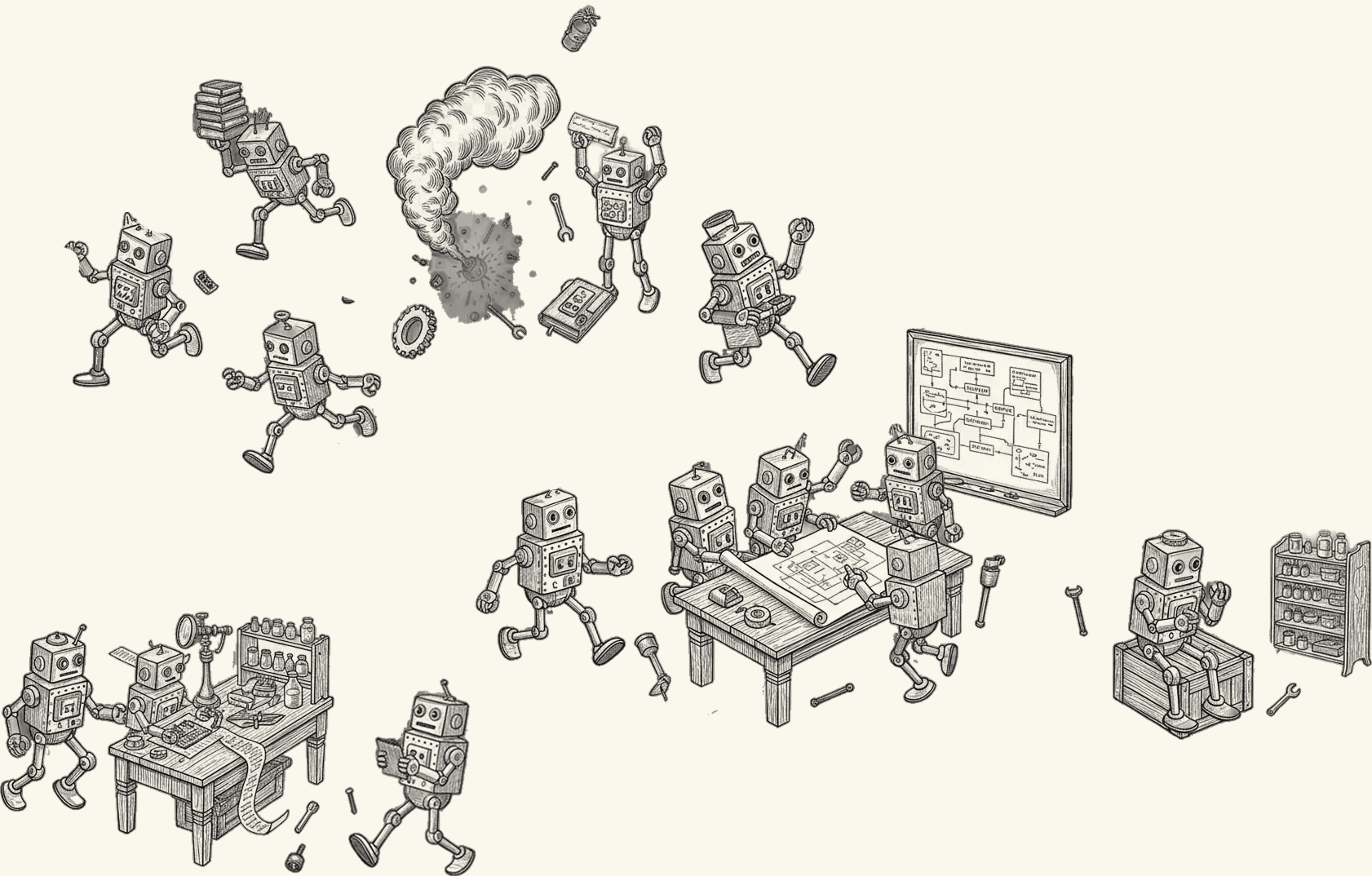 The final hero — sparse clusters, consistent characters, breathing room, cream background
#From Iteration to Character Bible
Once the characters worked, we reverse-engineered them into a reusable spec: boxy head with porthole eyes and speaker-grille mouth, rectangular torso with engraved dials, thin tube limbs with ball-and-socket joints, oversized boot feet. Head is one-third of total height. Black and white pen-and-ink with dense crosshatch shading.
This spec gets dropped into any image prompt as a block. The scene changes — lab, sprite sheet, single figure — but the characters stay consistent. The spec is the interface between creative intent and generative output.
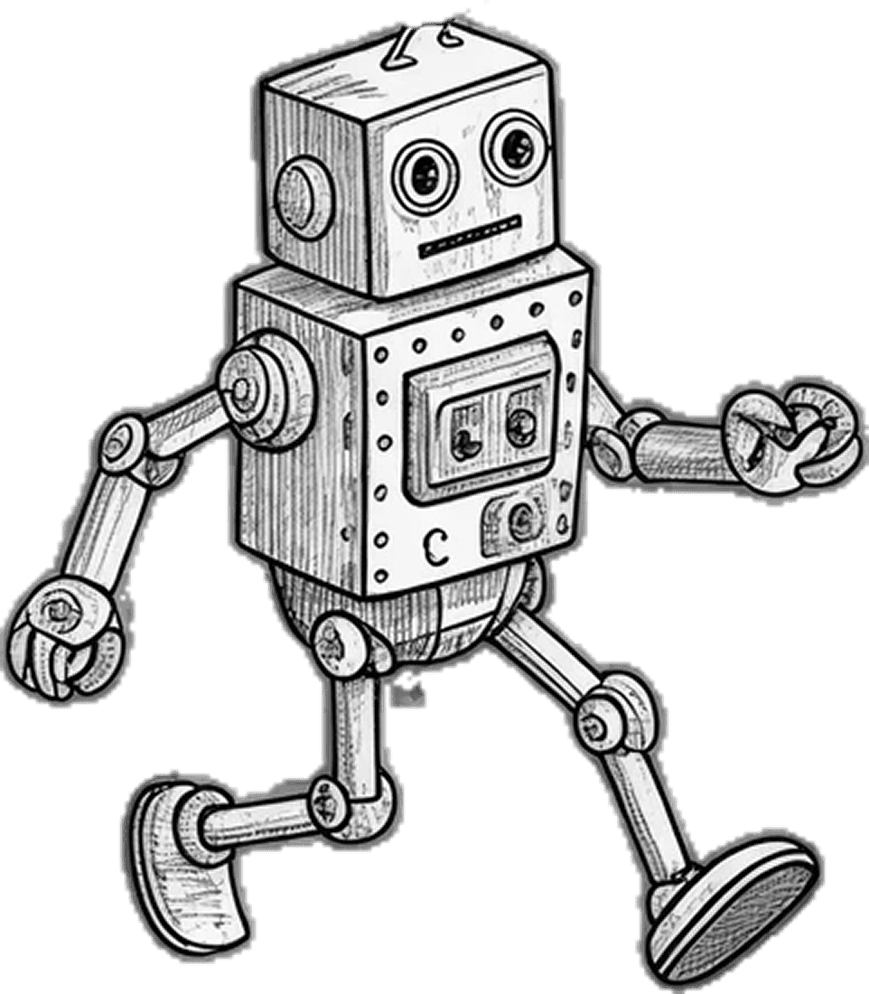 A single LORF Bot — the character spec distilled to one figure
#Sprite Sheets: Designing for Extraction
Once the character was locked, we generated sprite sheets — 4x4 grids of individual robots in distinct poses. Thinking. Running. Tinkering. Sleeping. Exploding. Sixteen per sheet.
The prompt structure for sprite sheets is different from scene prompts. Key constraints:
- "Each robot is completely self-contained — no overlapping, no shared objects between figures"
- "Clear separation on all sides"
- "Every robot is roughly the same size"
- Poses described per grid position (Row 1, items 1-4, etc.)
The output goes into Figma, where background removal and individual extraction produces a library of isolated character assets. These become blog illustrations, loading states, error page graphics, section dividers — wherever the brand needs a face.
This is a production pipeline: prompt generates sheet, Figma extracts individuals, individuals populate the site. The prompt is the manufacturing spec.
#The Meta-Observation
The individual artifacts — skill file, character spec, prompt library, asset pipeline — matter less than the pattern that produced them:
- Find a reference — stock tickers, Victorian science catalogs, 1950s tin toys
- Extract constraints — what makes it look like that and not something else
- Encode constraints as instructions — skill files, character specs, prompt blocks
- Iterate with the agent — generate, evaluate, tighten the spec, regenerate
- Produce reusable artifacts — not one-off outputs, but templates for consistent output
This is design direction, not design execution. The human isn't pushing pixels or writing CSS — they're writing the instruction set that produces pixels and CSS. The deliverable is the skill, not the component. The character spec, not the illustration.
And the feedback loop is fast. Tighter than traditional design workflows. You describe, the agent generates, you evaluate, you refine the description. Each cycle takes minutes, not days. The spec improves with every iteration because failures are immediately visible and fixable.
#Implications for Agent-Native Design
If agents are going to build interfaces — and they are, increasingly — then design systems need to evolve from "documentation that humans reference" to "instruction sets that agents execute."
This means:
The system improves through failure. Every agent mistake becomes a new rule. The skill file grows from errors, not design reviews.
Visual specifications need language interfaces. Character bibles, prompt blocks, and scene descriptions are the new design tokens for generative assets. They're imprecise compared to hex codes and pixel values, but they're the best interface we have for non-deterministic output.
The design system is the product. In an agent-native workflow, the most valuable artifact isn't the website — it's the skill file that can reproduce the website. Ship the instructions, not just the output.
Taste is in the editing, not the generation. The agent generates options. The human selects, critiques, and refines the spec. This is closer to art direction than graphic design — and it's a skill that scales, because a tighter spec produces better results from any agent, not just the one you're working with today.
We started with a stock ticker aesthetic and ended with a mascot, a design system, a skill file, and a production pipeline.
The robots are charming. But the real output is the process — a repeatable methodology for synthesizing aesthetics into agent-executable instructions. The LORF Bots are loosely organized. The system that produces them is not.